Tabko
Guide
Keep the useful parts easy to find.
A small amount of structure makes a saved workspace easier to return to.
Name for the next visit
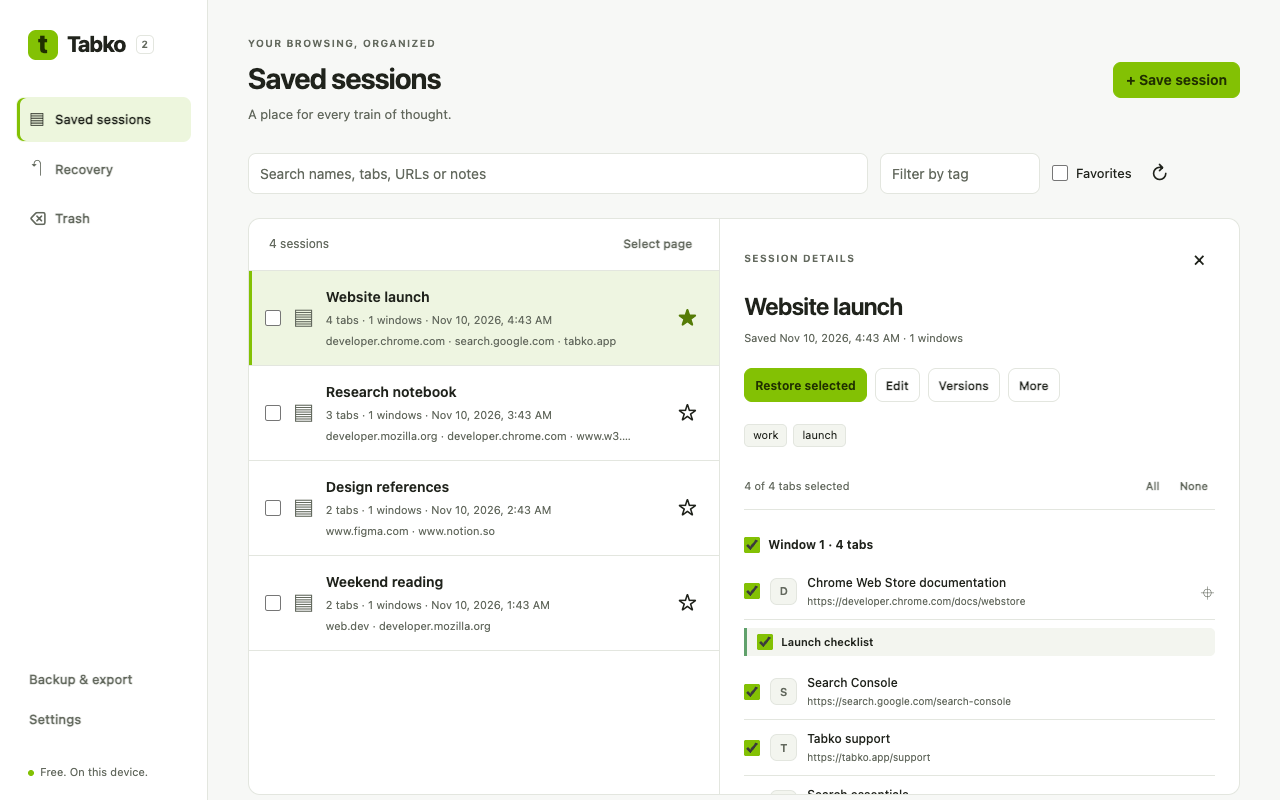
Use a name that tells you what to do next: “Apartment shortlist” is more useful than “Tuesday tabs”. Add tags for an ongoing project and notes for the question you were trying to answer. Search sessions when you remember only part of the task.
Compare before you combine
- Choose the two saved sessions you want to compare.
- Review which URLs are shared and which appear in only one session.
- Use merge to combine the relevant saved tabs, then inspect the resulting session.
Clean duplicate URLs
Use duplicate cleanup on a saved session and review the result. URL equality does not mean two pages have the same content, and different URLs may point to similar pages. Check the pages that matter to your task.
Use schedules deliberately
Configure a local save schedule for a task you regularly revisit. Check the last saved result after setting it up. Chrome must be running; sleep and browser scheduling can delay a save. Schedules do not provide an independent backup.
Keep history manageable
Sessions keep up to 30 versions. Remove sessions you no longer need; they move to 30-day Trash unless permanently deleted. Export a JSON backup when you want an enduring copy.